
Drag your signature onto any PDF. Export. Done.
100% offline and private. No account, no cloud, no subscription.

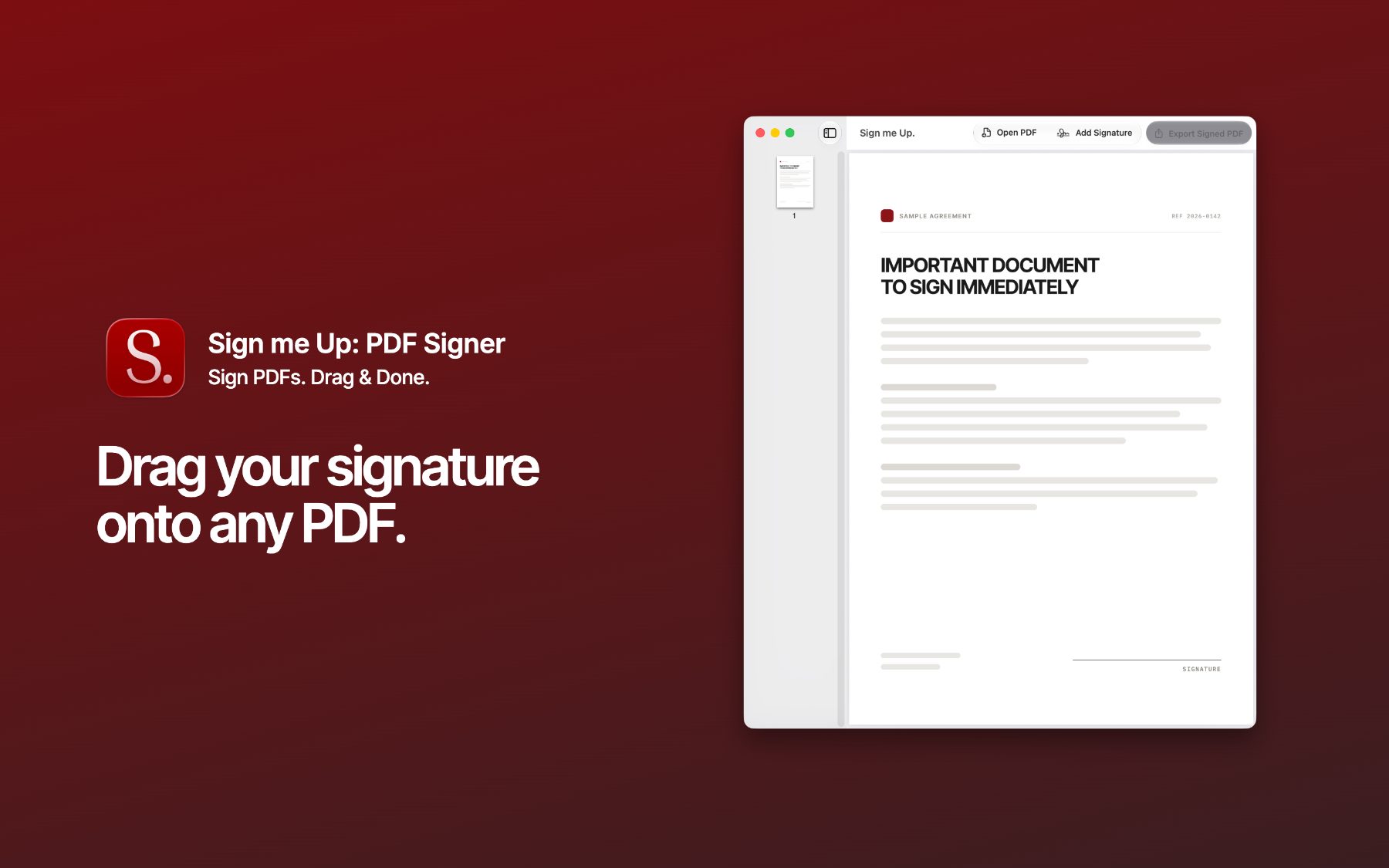
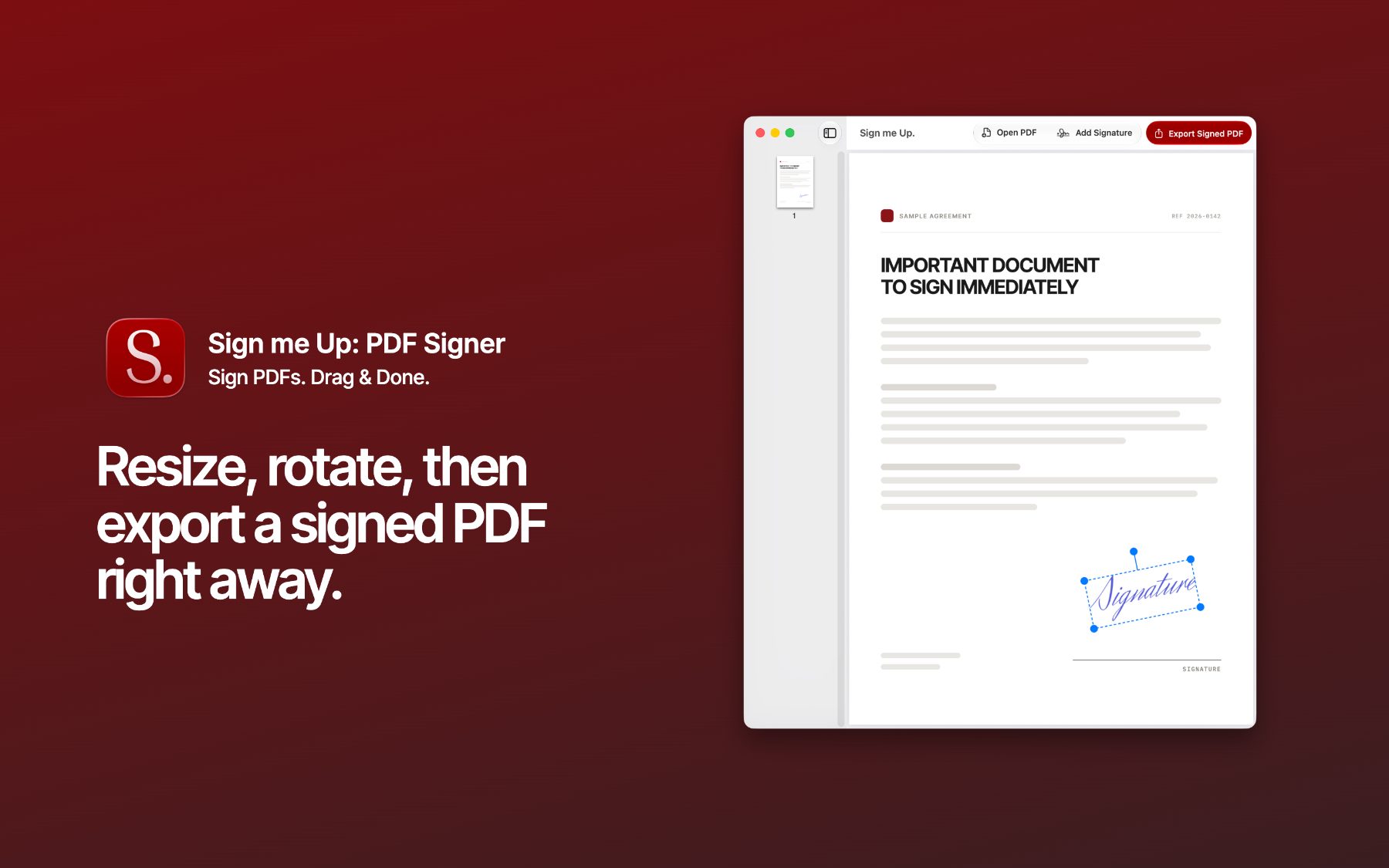
Sign me Up does exactly one thing, and does it fast: drag your signature onto a PDF, resize and rotate it, export a clean signed copy. That's it.
Built because I needed to sign a PDF in five minutes flat, and every option I found was either a 400MB “office suite” in disguise, a subscription trap, or a website asking me to upload my contract to a server I'd never heard of. So I built the tool I actually wanted.
- Drag & drop your signature (PNG/JPG) straight onto the page
- Move, resize, and rotate it exactly where you need it
- Works with multi-page PDFs
- Export a signed PDF in seconds
- 100% local. Your documents never leave your Mac.
- You enjoy downloading a few hundred megabytes app to sign one PDF
- You like uploading contracts to unknown servers and hoping for the best
- You have a thing for subscription services
- You enjoy creating accounts to be tracked
Otherwise, welcome. Drag your signature in, sign the thing, and go on with your day.
Privacy Policy
Sign me Up: PDF Signer collects no data. There is no account, no analytics, no tracking, no advertising identifier, and no server component.
Every document and signature image you open stays on your Mac. Files are read and written locally, at paths you choose. Nothing is uploaded, transmitted, or shared with the developer or any third party.
If you contact support by email, that email and its contents are used only to answer you, and are not shared with anyone else.
LAST UPDATED 2 AUGUST 2026
Support
Questions, bugs, or a PDF that won't behave? Email me. Include your macOS version and, if you can, the PDF that caused the problem.
Email support